



Connect
Your Email
Link your Gmail or Outlook account in seconds so SaveIT can start finding receipts automatically.
Get Startedon Autopilot.
Connect your email once. SaveIT automatically imports receipt emails, extracts and categorizes every line item with AI, then transforms your receipts into organized expenses.


Works with Gmail, Outlook, and QuickBooks.
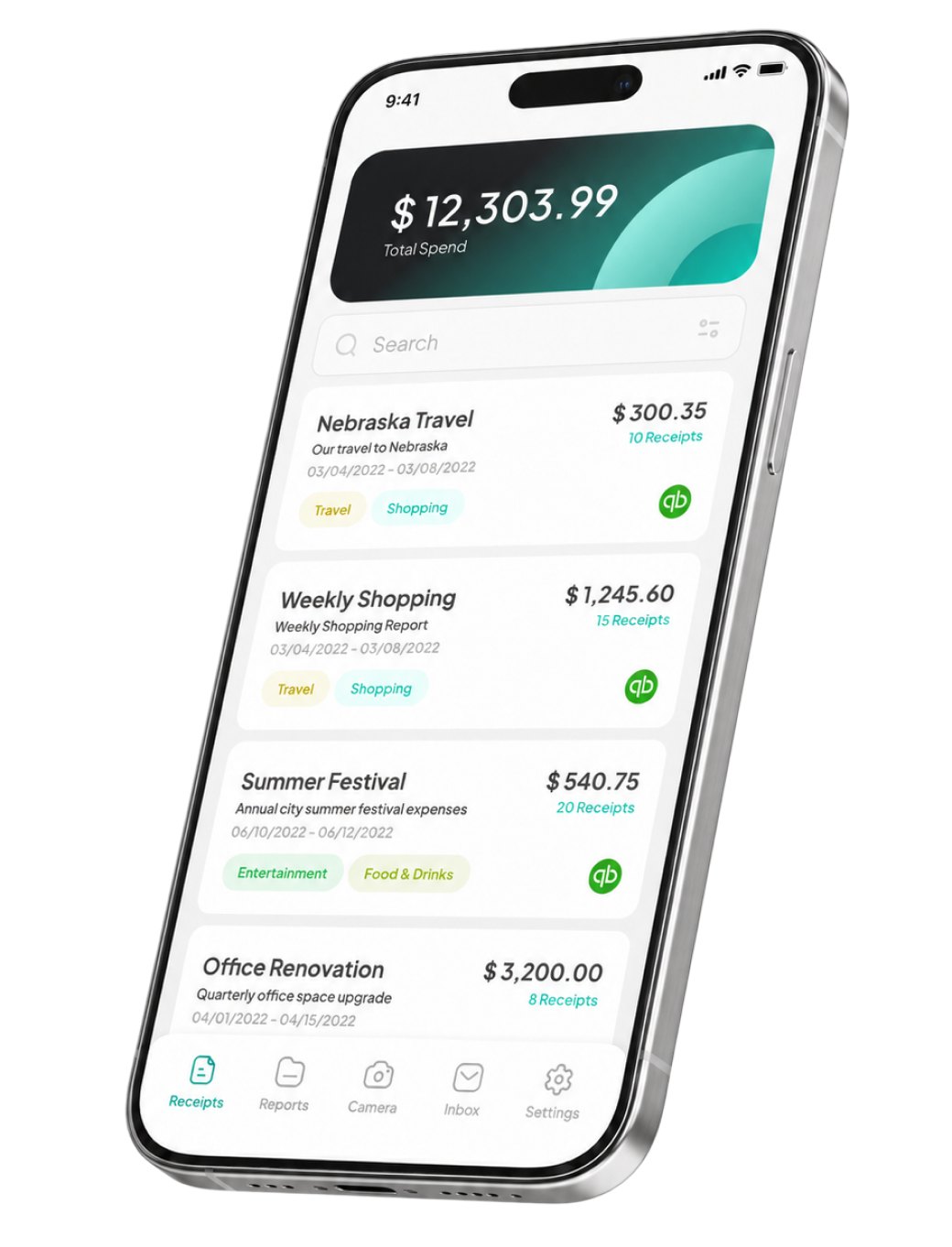
SaveIT simplifies receipt management with effortless categorization and organization, revolutionizing financial tracking for both personal and business use.
Connect your email in seconds and let SaveIT automatically find and import receipts from your inbox using AI.
Link your Gmail or Outlook account in seconds so SaveIT can start finding receipts automatically.
Get Started
SaveIT scans your inbox and automatically collects receipts, so you don't have to upload them manually.

AI extracts every detail from your receipts — merchant, date, total, taxes, and each individual line item.

Your expenses are organized into clear categories and ready for reports, sharing, or accounting workflows.
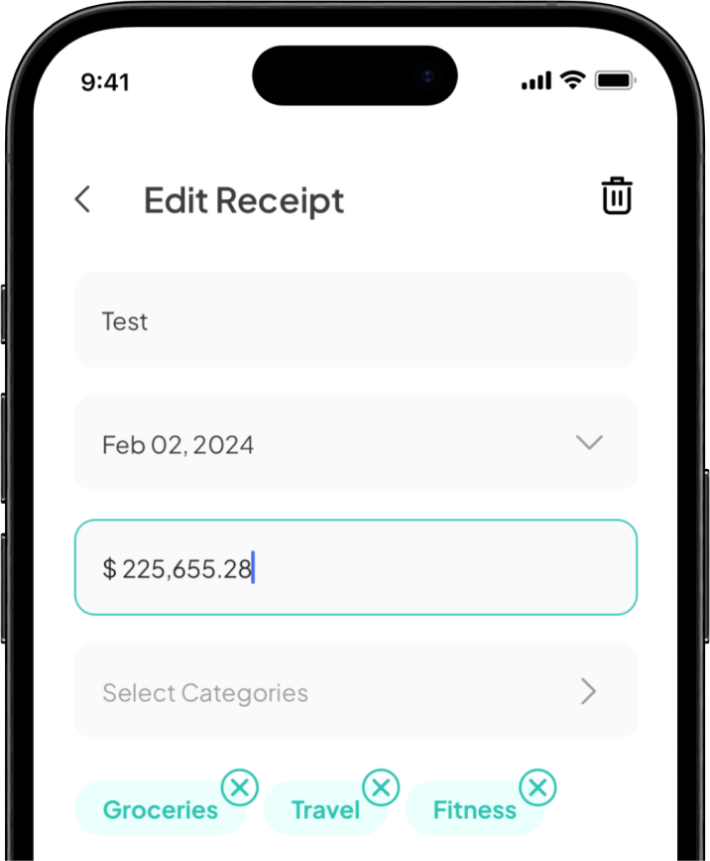
Stay organized with SaveIT. The app automatically stores receipts in one place.
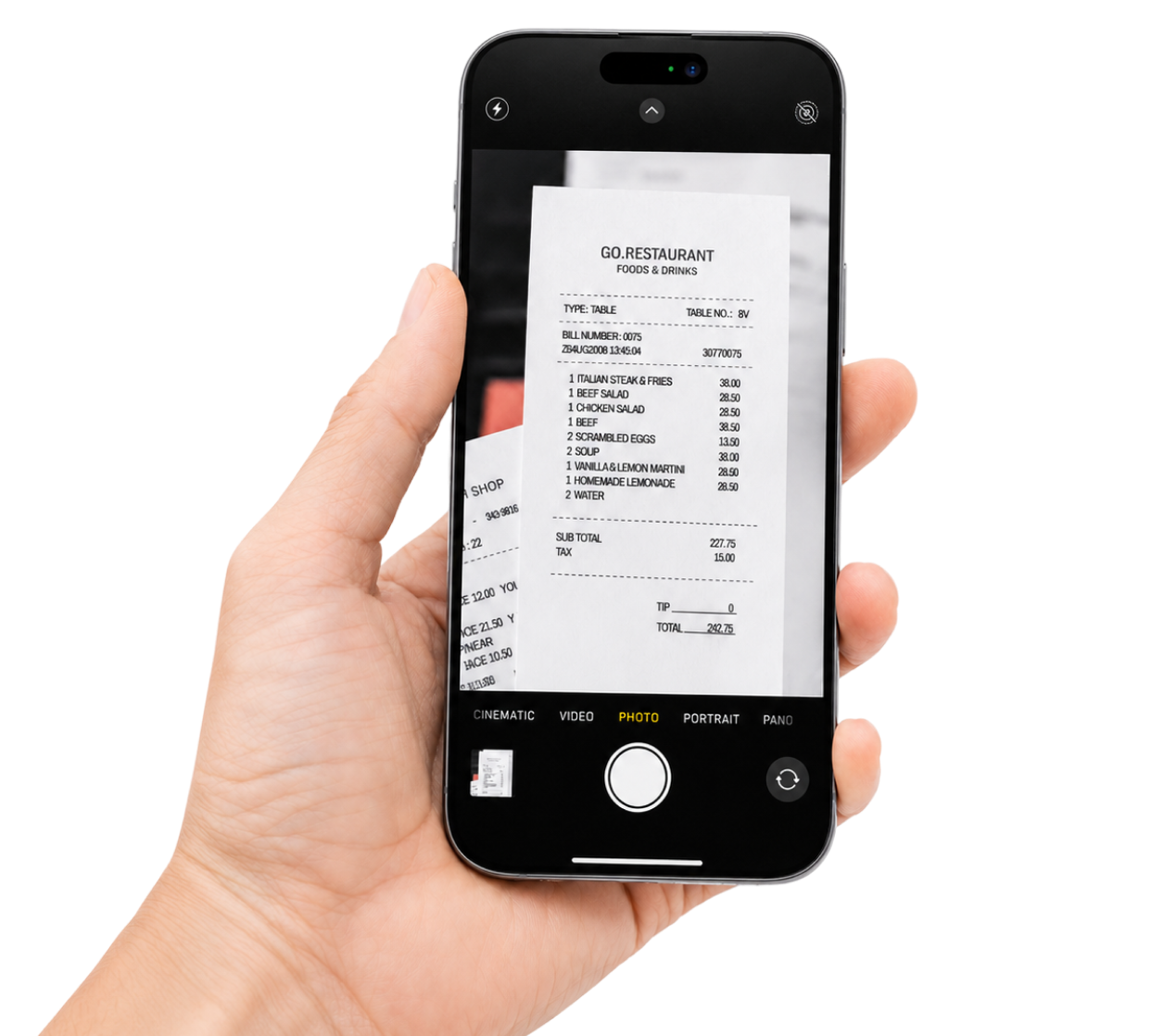
With the help of AI technology, SaveIT recognizes each receipt and provides data.
To save time, quickly scroll through receipt categories to find the needed one.
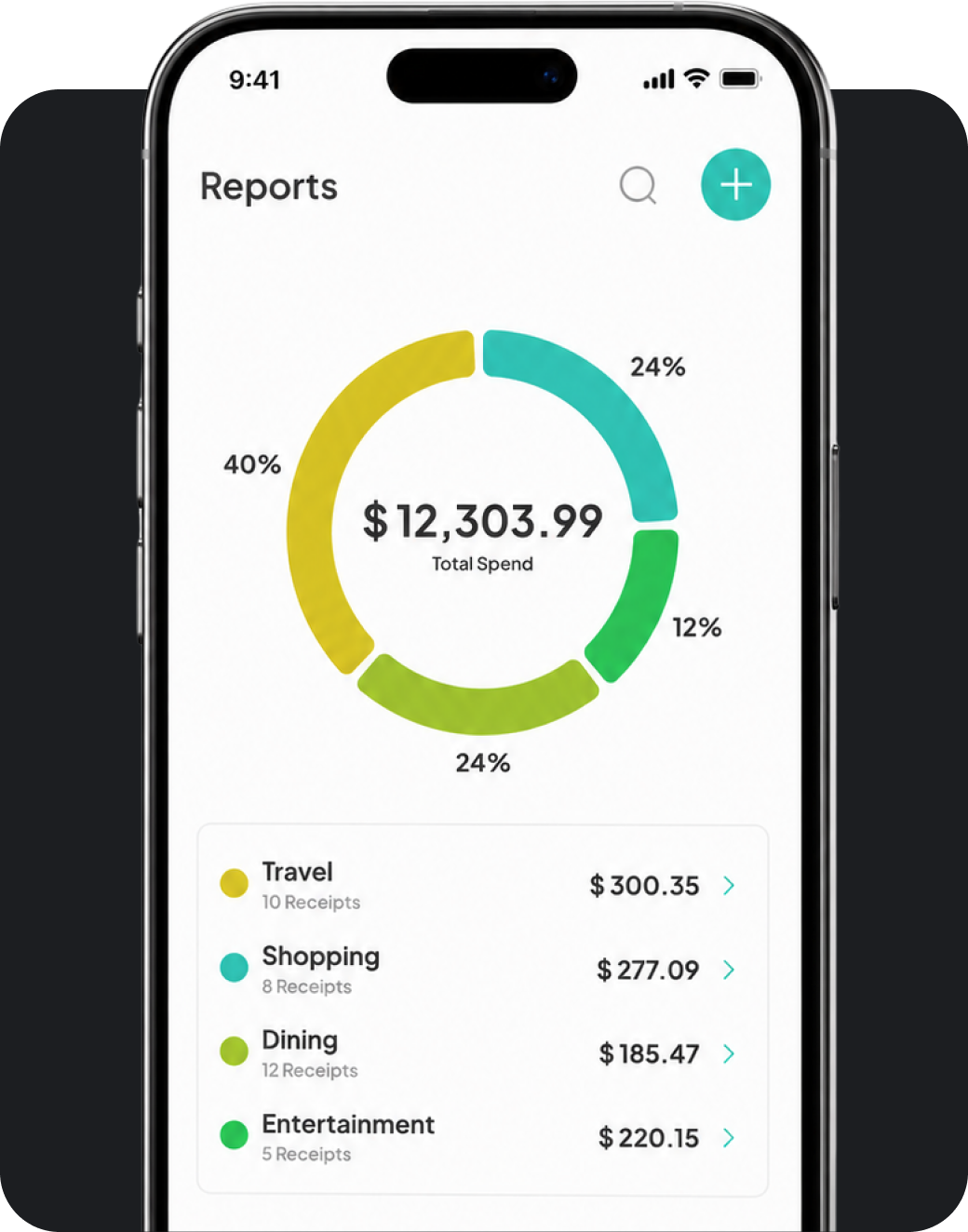
Bring your accountant, your CFO, and the whole sales team into one drawer. Permissions, comments, and approvals included.

Two-way sync to QuickBooks Online. Receipts attach themselves to the matching transaction the moment it clears your bank.
Still curious?
Write us at hello@saveitreceipts.com — a human responds within a day.
Yes. Once you connect Gmail or Outlook, SaveIT scans incoming mail and automatically detects receipts using AI — no manual forwarding required.
Workspaces support your whole team. Invite accountants, finance, and sales with granular permissions, comments, and approvals.
Absolutely. Open the in-app camera and snap a photo of any paper receipt — SaveIT extracts the line items instantly.
Yes. Corporate plans add shared workspaces, accounting integrations, and priority support. Reach out for tailored pricing.
Your data is encrypted in transit and at rest. SaveIT only reads receipts and never shares your inbox contents with third parties.
Streamline your expense management with AI-powered recognition. Download SaveIT and start simplifying today!